

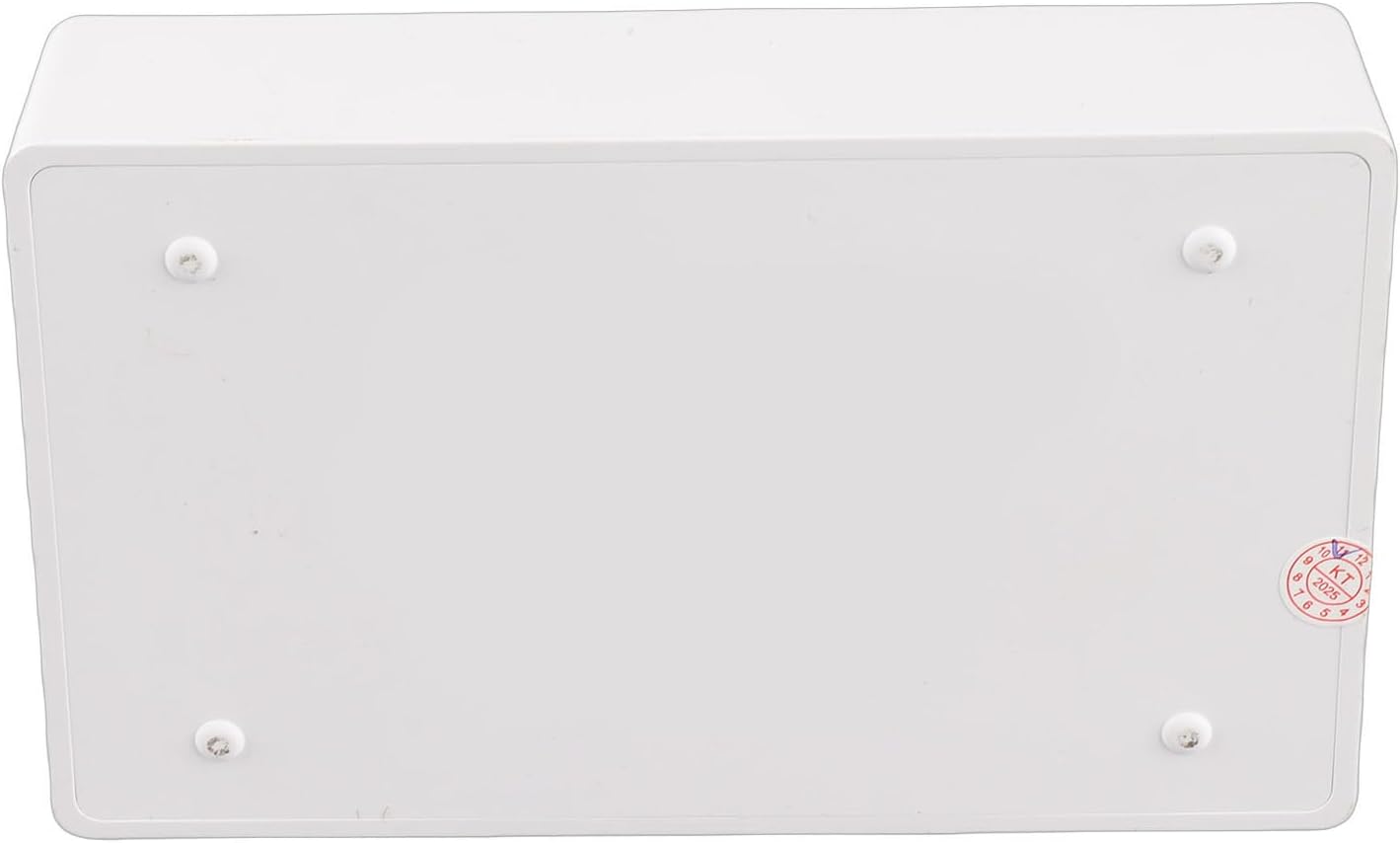
USB2.0 Wireless Print Server Efficient USB WiFi Bridge Printer Server for Multiple Users for HomeOffice Use ABS White 1PC
Produktdetails
| Artikelnummer | 215123969 | Erscheinungsdatum | 2026/04/12 | Listenpreis | €16.66 | Modellnummer | 215123969 | ||
|---|---|---|---|---|---|---|---|---|---|
| Kategorie | |||||||||
1. [EASY WIRELESS PRINTING] Transform your USB printer into a wireless printer for multi-users on the same network, improving efficiency. 2. [VARIOUS OPERATION MODES] Supports wired, wireless network, and standalone modes to meet different printing needs. 3. [WEB MANAGEMENT] Hassle-free printer configuration on the web interface without external drivers. 4. [WIDE COMPATIBILITY] Works with 7/8/10/11/, for OS X, and various USB printers. 5. [WIDELY USE] Small, lightweight design for home, office, supermarket, educational institutions, with quick 480Mbps printing. Specification: Item Type: USB Wireless Print Server Material: ABS Color: White Output Interface: Bridge (10/100Mbps) Input Interface: LAN (10/100Mbps) Power Port: Type C USB Port: USB 2.0 Preparation: 1. Make sure that the printer driver is installed on your computer and that it can print properly. (The simplest way to verify the installation of the driver is to directly connect the computer to the printer and check if it can print correctly, which is the prerequisite for the printer server to work properly). 2. Connect the power of the print server, connect the USB print cable of the printer, and connect the network cable of the local area network to the print server. (Connection diagram is on the packaging box). 3. After the print server is powered on for 3 minutes, use your mobile phone to search for a wireless signal with @MG_XXXX. The wireless password is: 77777777 (8 sevens). A webpage window will automatically pop up on your phone, or you can access webpage with a mobile phone. Setting up on the computer: After completing the above steps, go to the Control Panel on your computer, Devices, Printers and Scanners, select the printer you want to set up, and click on Manage. (To ensure smoothing setup, make sure that the current computer can print properly by connecting it to the printer via a USB print cable, which confirms that the driver is correct). 1. Select Printer Properties. 2. Click on Port, Add Port, Select Standard /IP Prot, Click on New Port. 3. Enter the IP address of the printer server (in the previous teaching how to view the IP address of the printer server through the mobile phone), click following, and wait for 1 minute. 4. Be sure to select Custom 5. Finished and use packing list: 1 x USB Print Server 1 x Power Cord Note: Common problem handling: Q: My settings are all normal, but the computer just can't print. A: Check if the printer is offline, check if the title appears offline in the print queue, if so, uncheck it and it will be able to use the printer again. Q: My printer can print, but it keeps printing paper continuously. A: Go to the printer's properties, port, uncheck Enable bidirectional support. Note: The product does not include a USB adapter for shipment, you need to bring your own 1A USB adapter.
- [EASY WIRELESS PRINTING] Transform your USB printer into a wireless printer for multi-users on the same network, improving efficiency.
- [VARIOUS OPERATION MODES] Supports wired, wireless network, and standalone modes to meet different printing needs.
- [WEB MANAGEMENT] Hassle-free printer configuration on the web interface without external drivers.
- [WIDE COMPATIBILITY] Works with 7/8/10/11/, for OS X, and various USB printers.
- [WIDELY USE] Small, lightweight design for home, office, supermarket, educational institutions, with quick 480Mbps printing.
| Item Weight | 5.7 ounces |
|---|---|
| Manufacturer | POENVFPO |
| Item model number | POENVFPO9jz1r8x20t |
| Package Dimensions | 5.51 x 3.54 x 1.18 inches |




Korrektur der Produktinformationen
Wenn Sie Unvollständigkeiten oder Fehler in den Produktinformationen auf dieser Seite bemerken, nutzen Sie bitte das Korrekturformular unten.
KorrekturanfrageKundenbewertungen
Für dieses Produkt liegen derzeit keine schriftlichen Bewertungen vor.